To set up your ChatGPT business profile, open Business Hub in ChatGPT, find or add your business, prove you represent it with your business phone, business email, a DNS record on your website domain, or a Shopify login, and then pass a separate ID check with Persona. Only after that second approval can you edit the profile, see insights, and earn the blue check. OpenAI opened it in beta on November 10, 2026, and it’s free.
We manage Google Business Profiles for local service companies every week, and this is the first time an AI platform has handed business owners anything similar. It also comes with a catch Google never had. Two parts of the setup are hard to undo, and one wrong choice (the wrong account, the wrong name, or a rushed profile) can follow you for as long as the profile exists.
This guide covers what the profile is, whether you can claim one yet, exactly what to gather first, every verification step including the DNS record, how to fill out each field so ChatGPT describes you correctly, and what to do once you’re live. Everything here comes from OpenAI’s own documentation, checked on November 15, 2026, plus field notes from the first businesses through the process.
What Is the ChatGPT Business Profile?
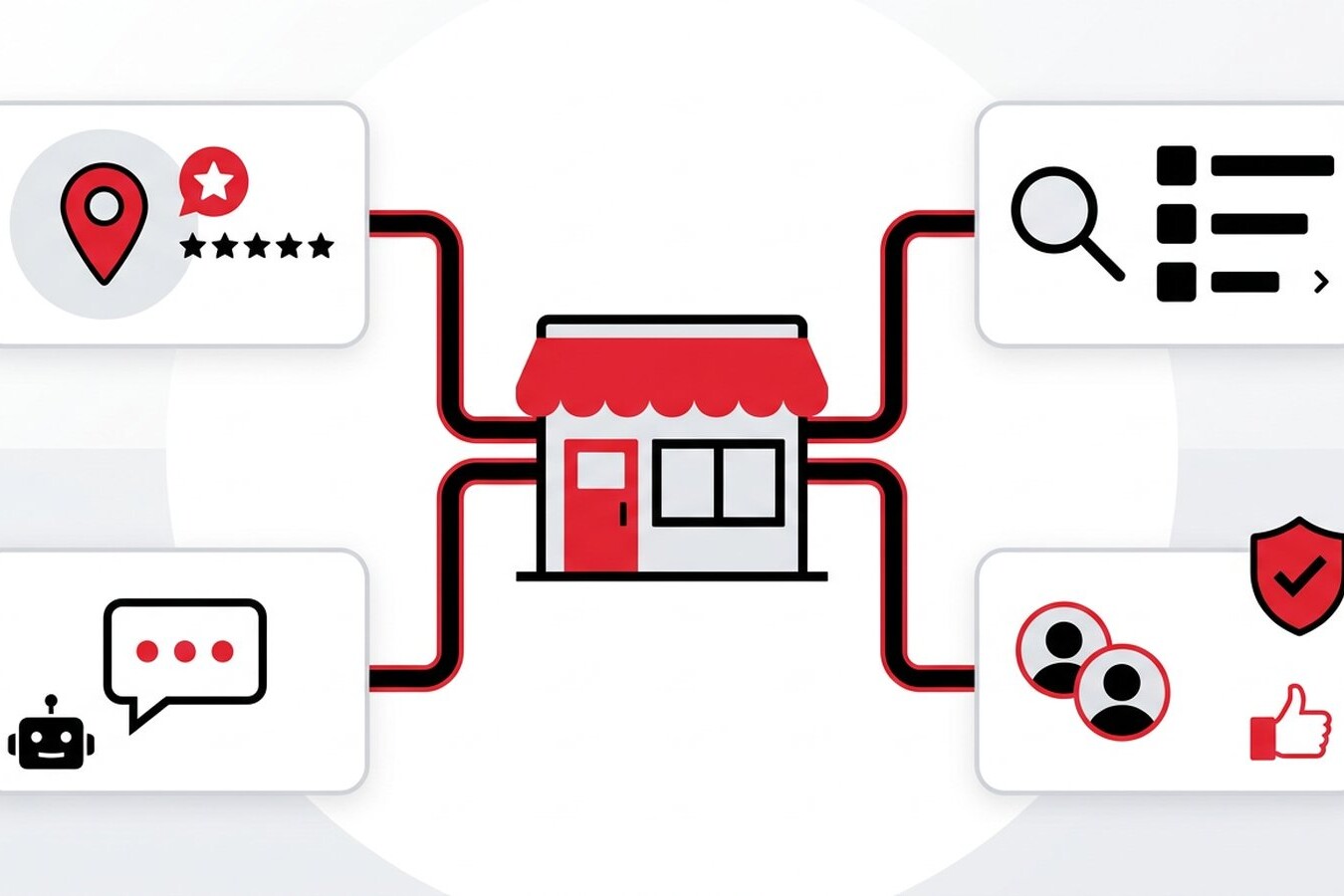
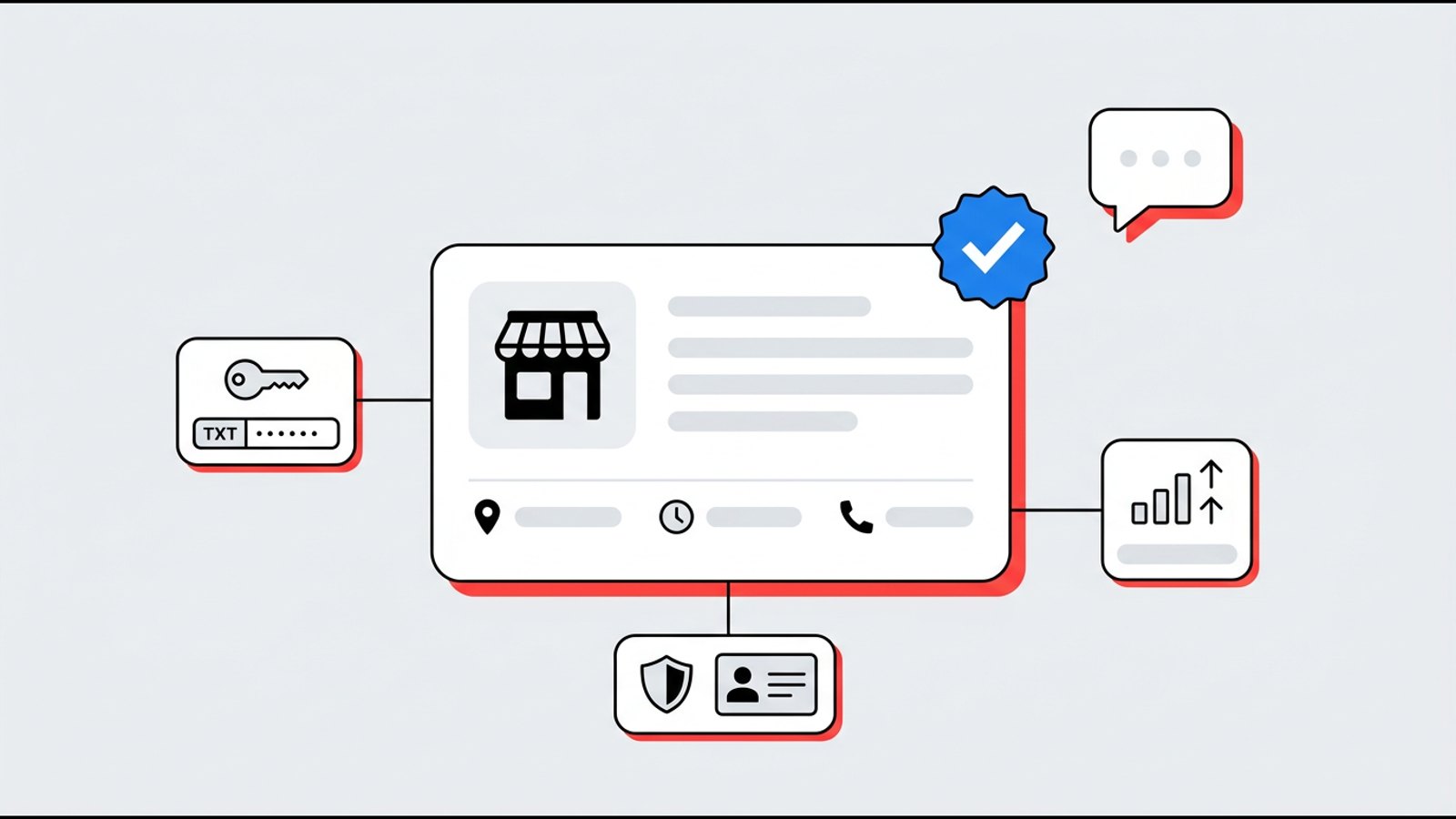
It’s a verified listing inside ChatGPT that shows your business name, category, description, contact details, hours, and photos when ChatGPT mentions you. OpenAI calls the program Businesses in ChatGPT, and you manage it from a dashboard called Business Hub.
Think of it as Google Business Profile with a small slice of Search Console added. You control the facts, and for the first time an AI platform shows you how often it mentions you and how many people click through to your website.
Source: OpenAI Help Center, Setting up your business on ChatGPT and OpenAI’s launch announcement.
Don’t confuse it with ChatGPT Business, which is OpenAI’s paid team subscription. You don’t need that plan, an ads account, or an Enterprise agreement to claim your profile. Business Hub may offer an upgrade during setup, but early users report the profile and feed work without it.
One more thing most owners miss. OpenAI’s product page says ChatGPT may show information about your business whether you claim it or not. The profile isn’t about getting listed. It’s about making sure what ChatGPT already says is correct.
Should Your Business Claim Its ChatGPT Profile Now?
Yes, if you’re eligible. Claiming costs nothing, it locks in the correct facts before someone else gets there, and it gives you the only first-party ChatGPT data available anywhere.
Here’s what claiming won’t do. OpenAI’s help article says it “doesn’t guarantee increased visibility or give you direct control over ChatGPT’s independent recommendations,” and that advertising doesn’t influence those answers either. OpenAI’s VP of monetization told Digiday that claiming “should not have an impact on how frequently it appears,” though clearer information could help ChatGPT show you in more relevant conversations.
So treat it like the early days of Google Business Profile. The listing won’t win the work for you, but a wrong or empty one can lose it. The BrightLocal overlap numbers tell me something else too. Ranking well on Google doesn’t mean ChatGPT knows you, so you can’t assume your Google work covers this.
What Do You Need Before You Start?
Gather everything first. Most of the headaches I’ve seen in launch-week reports come from stopping halfway to hunt for a password, a document, or the person who controls the domain.
Sources: OpenAI Help Center for verification and Persona requirements. The 300-character description, single category, square photo crop, and locked business name come from Rankability’s hands-on review of its own profile, so treat those as field notes from the beta rather than official limits.
The account choice matters more than it looks. The person who claims becomes the admin who adds teammates and grants agency access later. If a former employee or an old agency claims it under their own login, you’re stuck asking them for access.
How Do You Claim and Verify Your ChatGPT Business Profile?
There are two approvals. First you prove you’re connected to the business, then OpenAI reviews the claim. After that you pass a Persona identity check. Here’s the full sequence from OpenAI’s setup guide.
- Open Business Hub. Sign in to ChatGPT with your company account and open Business Hub from the sidebar, or go straight to chatgpt.com/business-hub.
- Search for your business by name. Check the address carefully. Results match on name, so a similarly named company in another state can show up first.
- Select your listing and confirm the managing account. If your business isn’t listed and you run an eligible online business, you may see an option to create it. Local stores and restaurants can only claim an existing U.S. listing right now.
- Choose a verification method and follow the prompts (details in the table below).
- Wait for claim approval. OpenAI reviews the claim and emails a decision or a request for more information. You can cancel while it’s pending.
- Complete Persona. Select Verify with Persona, then Continue to Persona, and submit what it asks for. You can also do this later from your business overview.
- Wait for verification approval. Once approved, the blue check appears and you can publish changes, view insights, and add a product feed.
Codes go to whatever phone or email is already on the listing, not to you. If that’s a call-tracking number, an old line, or an inbox nobody checks, use the DNS method instead. It’s the most reliable route because it doesn’t depend on who picks up the phone.
How to verify with a DNS TXT record
- Choose Website domain. ChatGPT shows three values, the record type (TXT), a name or host, and a value. Copy each one with its copy icon.
- Log in where your DNS is actually hosted. That’s often Cloudflare or your web host rather than the company where you bought the domain. Your domain’s nameservers tell you which one.
- Add a new TXT record. Paste the host exactly as shown. Launch-week guides report it’s a specific prefix, not @ or your bare domain, so don’t assume.
- Watch for auto-added domains. Many DNS panels append your domain automatically, so if ChatGPT shows the full host (prefix.yourdomain.com), you may only need the prefix. After saving, make sure it didn’t become prefix.yourdomain.com.yourdomain.com.
- Paste the value exactly, with no extra spaces or added quotation marks, and leave TTL on the default.
- Don’t edit or delete your existing TXT records. Your SPF, Google, and Microsoft records live there, and breaking them can stop your email from being delivered.
- Check that the record is live with Google Admin Toolbox Dig (choose TXT and enter the full host), then return to ChatGPT and select Verify domain.
- If it fails, wait and try again rather than starting over. DNS changes can take time to appear, and one walkthrough noted the record carries an expiry time, so add it promptly.
This is the step we handle for clients, because a typo in DNS can take down email or a website, while the rest of the setup is mostly careful data entry. We also leave the record in place after verification unless OpenAI’s instructions say to remove it. A spare TXT record is harmless.
Persona is the one step nobody can do for you. It’s your ID and your face, so the owner or an authorized officer has to complete it. If it fails, OpenAI’s guidance is to resubmit with corrected information and make sure the business name, address, and any registration or tax number match your official records exactly.
How Do You Fill Out the Profile So ChatGPT Gets It Right?
Fill in every field with the same facts that appear on your website and Google Business Profile, word for word. Consistency is how AI tools decide that scattered mentions all describe the same business.
Sources: field list from OpenAI Help Center. Character, crop, and category behavior from Rankability.
Here’s a simple description formula that works for most local service businesses. [Business name] provides [main service] for [homes or businesses] in [city and surrounding area]. [One verifiable fact, such as years in business or a license]. A plumbing company might write “Lakeside Plumbing repairs and replaces water heaters, drains, and pipes for homes in Springfield and nearby towns. Family-owned since 2010 and fully licensed.” (That’s a made-up example, not a real listing.)
OpenAI’s Businesses in ChatGPT policy also sets rules worth knowing. Information must be accurate and kept current, including your service area. You can’t use fabricated reviews, unsupported guarantees, or claims that hide fees or conditions, and you can’t create duplicate profiles. Updates go through review, so changes can take time to appear in answers.
What Mistakes Should You Avoid?
Most setup mistakes are easy to avoid and painful to fix, because a published profile is close to permanent.
Sources: OpenAI Help Center, Businesses in ChatGPT policy, OpenAI crawler documentation, and Rankability.
The crawler one deserves a closer look. I audit a lot of local sites, and security plugins and firewalls sometimes block AI bots without anyone knowing. OpenAI says robots.txt changes take about 24 hours to take effect for search, so check it before you claim.
Multi-location businesses need a plan before anyone starts. OpenAI says claiming the main brand doesn’t claim its locations, and there’s no central management yet. SOCi recommends setting a written claim policy first so franchisees and local managers don’t each claim locations with different details.
What Should You Do After Your Profile Is Live?
Record a baseline, keep your facts in sync, and keep working on the sources ChatGPT trusts. The profile is one input, not the whole picture.
- Save your insights every month. Business Hub shows only recent activity (28 days, and some users also see a 7-day view), so history disappears unless you save it. A blank number may mean you’re under the reporting threshold, not zero.
- Know what the numbers mean. For a local business, a mention counts when ChatGPT shows a result for that location. For an online business, it counts when ChatGPT references your website, and naming your brand alone doesn’t count. Website clicks are clicks, not completed visits or sales.
- Use discovery topics for content ideas. They show common themes in answers that mentioned you. They don’t reveal individual prompts or customer conversations.
- Fix Yelp and Bing Places. BrightLocal found ChatGPT leans on both for local businesses, and SOCi reports Yelp now licenses its reviews and business details to OpenAI.
- Keep Google Business Profile current. It still drives Google’s own AI answers, and it’s where most customers check you out.
- Give your agency access the right way. The admin can add teammates and grant an agency access, each person using their own ChatGPT account.
- Update the profile whenever something changes. New hours, a new phone number, or a move should hit your website, Google, Yelp, and ChatGPT on the same day.
Sources: OpenAI Help Center, Digiday, BrightLocal, and SOCi.
I’d add one more habit. Before you claim, ask ChatGPT a handful of questions your customers would ask, such as “who’s the best [service] company near [town]” and “what do people say about [your business].” Save the answers. That’s your before picture, and it’s the only way to know if the profile and the rest of your work are changing anything.
If you’d like help, this is now part of our Google Business Profile management and Hyperlocal Lead Generation work for local businesses, and our Hyperfocused Lead Generation program for online brands. We handle the DNS verification and walk you through Persona and every field, so your ChatGPT profile matches your website and Google listing from day one. For the bigger picture, read why local businesses need GEO, Google Business Profile, SEO, and social working together and why brand mentions matter more than backlinks in AI search. Or start with a free audit and we’ll show you what ChatGPT says about your business today.
FAQs
Is the ChatGPT business profile free?
Yes, for now. OpenAI says you don’t need an ads account or an Enterprise agreement to claim an eligible business, and Digiday reported that Business Hub and Business Agents are free, though OpenAI didn’t rule out charging later.
Can local service businesses claim a ChatGPT profile?
Partly. OpenAI says local stores and restaurants can currently claim only an existing U.S. listing, while eligible online businesses can add a new one. If your listing doesn’t appear yet, keep your website and other listings accurate and check back as OpenAI expands access.
Does claiming my business make ChatGPT recommend it more?
Not directly. OpenAI says claiming doesn’t guarantee more visibility or give you control over ChatGPT’s independent recommendations. It makes sure the facts ChatGPT has about you are correct and gives you mention and click data.
How do I verify my business with a DNS record?
Choose Website domain in Business Hub, copy the TXT record’s type, host, and value exactly, and add it as a new record where your DNS is hosted. Once a DNS lookup shows it, return to ChatGPT and select Verify domain. Don’t change your existing TXT records.
Can my marketing agency set up my ChatGPT profile for me?
An agency can handle most of it, including the DNS record and the profile content. The owner should claim with a company account and complete the Persona ID check personally, then add the agency as a teammate in Business Hub.
Can I delete my ChatGPT business profile?
Only unpublished drafts can be deleted. OpenAI says support can’t delete, unpublish, or hide a published profile, so finish every field before you submit, especially if you create a new profile through Persona.